 Tobe
飛べ — “Jump!”, or just “to be”
Tap ⌘. Type a label. Clicked.
Tobe brings the hint mode of Vimium to all of macOS. Buttons, links, text fields, menu items and tabs get short labels. Type one and Tobe clicks it. You don't need the mouse or trackpad.
Or tap the right ⌘ key now. This page has a small hint mode of its own.

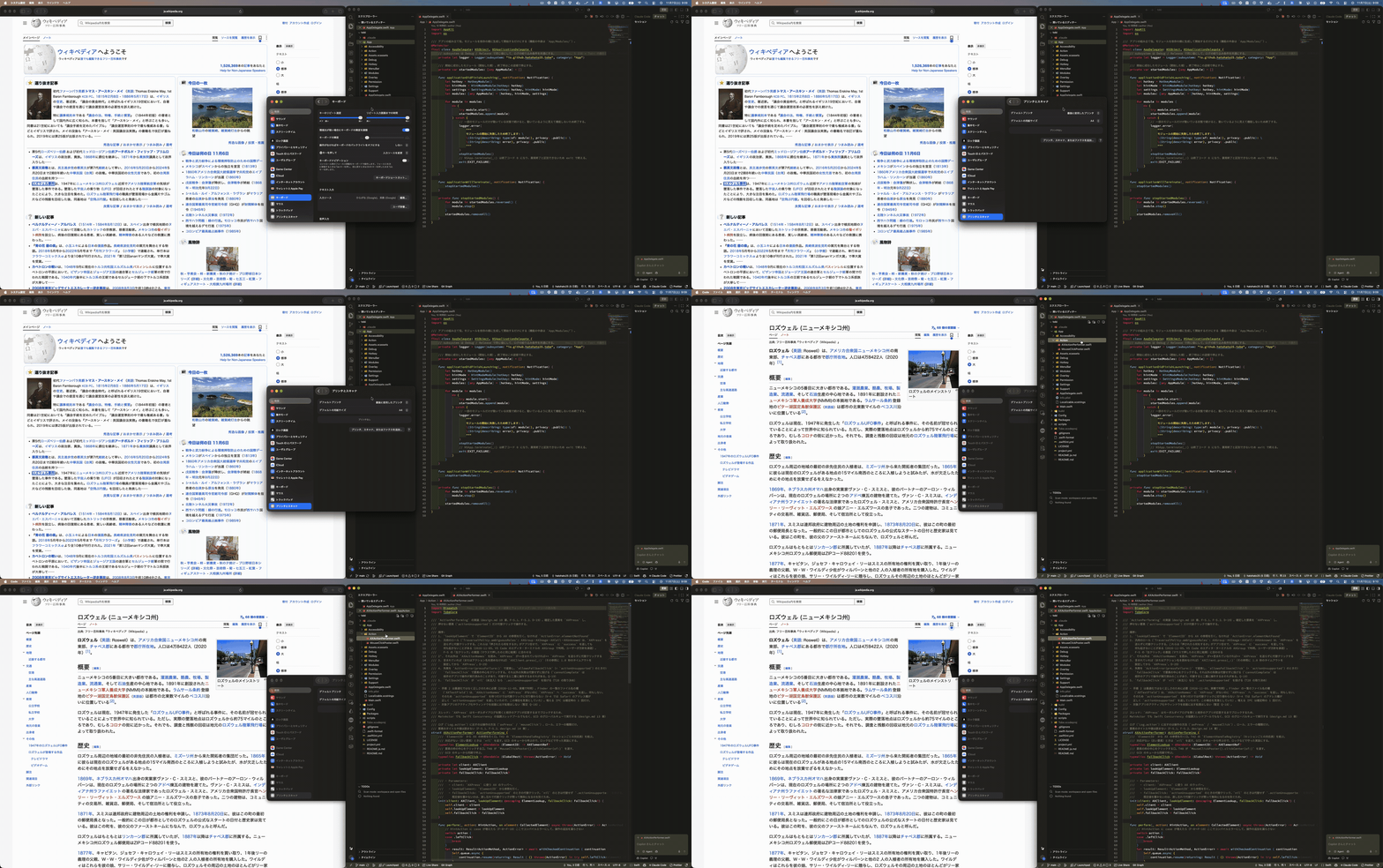
Three keystrokes, more or less
-
Tap the trigger key
Press and release it within 300 ms, on its own. Shortcuts such as ⌘C still work as usual.
-
Type a label
Labels that don't match are hidden. Keys go only to Tobe, so typing never inserts text into a text field. Case doesn't matter.
-
Tobe clicks
No label is the start of another, so Tobe clicks as soon as one label matches. Backspace deletes a character and Esc cancels.
Good to know
What you get
- One permissionAccessibility only. Input Monitoring is not needed.
- Web content tooSafari, Electron apps such as VS Code, and Chromium browsers such as Chrome.
- Your settingsTrigger key (right ⌘ or right ⌥), label characters, label font size and colors, and opening at login.
- Open sourceMIT license, on GitHub.
Where it falls short
- Apps that draw their own UIIn WezTerm and many games, only the window frame gets labels.
- Secure InputIn password fields, for example, macOS doesn't send keystrokes to Tobe, so hint mode might not start.
- Electron and Chromium appsTobe asks them to make their content available, which can use more CPU and memory. In Chromium browsers it can affect window management tools.
- Early releaseTested on macOS 26 and 27 only. See all known limitations.
Install
Homebrew
Homebrew doesn't load casks from non-official taps until you trust them, so trust the Tobe cask first.
brew trust --cask hatohato25/tobe/tobe
brew install --cask hatohato25/tobe/tobeFirst launch
Gatekeeper blocks Tobe the first time you open it. Remove the quarantine attribute, or click Open Anyway in System Settings > Privacy & Security.
xattr -dr com.apple.quarantine /Applications/Tobe.app